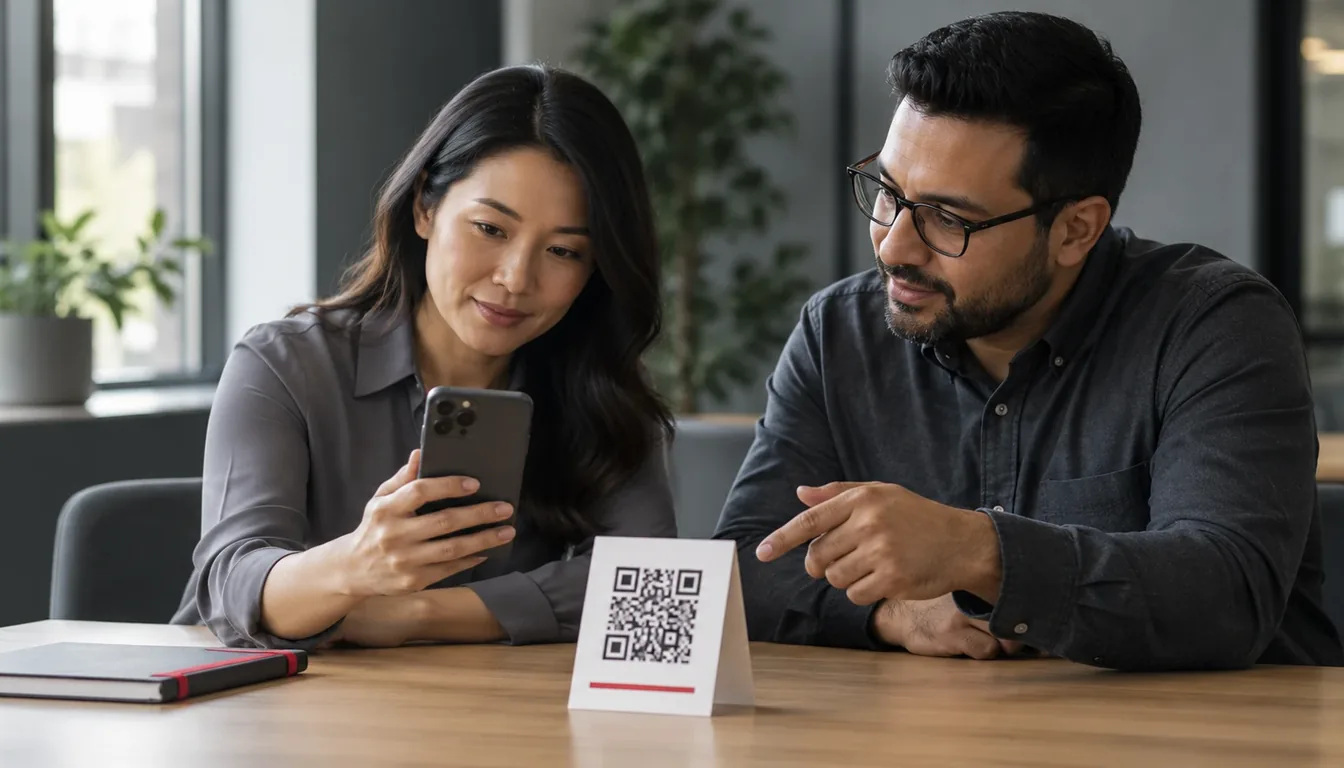
Quishing is phishing that hides its link in a QR code, a lure built to slip past the email defenses you already run. The best way to prepare your people for it is a QR code phishing simulation: a safe, realistic message with a code in it that records who scans, who enters details on the page it opens and who reports the message, then gives each person a short lesson the moment they slip. The best programs aim these tests at the people attackers target most, count only real human scans and judge progress by report rate and risk trend, not by scans alone.
What Is Quishing?
Quishing, short for QR code phishing, is a phishing attack that puts its link in a QR code instead of a clickable link. The person scans the code with a phone and lands on a fake page, usually a sign-in page built to steal credentials. Because the link is an image and the scan happens away from the work laptop, quishing can reach people that email filters would otherwise protect.
Why Quishing Works
A quishing message looks like an ordinary request: a parking notice, a document to sign, a benefits update or a prompt to set up multi-factor authentication again. Instead of a link to click, it shows a code to scan.
That small change moves the attack to places many defenses don’t look:
- The link is an image. Email security tools are built to inspect links and attachments. A QR code is a picture, so the web address inside it can be harder to check before the message is delivered.
- The scan happens on a phone. People usually scan with a mobile device, often a personal one, outside the browser protections and web filtering on their work laptop.
- The address is hard to read. A phone camera shows a short preview of the address, if any, and a small screen makes a look-alike domain easy to miss.
- The habit is trusted. People scan codes on menus, posters and tickets every day. Scanning feels routine, not risky.
When the code opens a sign-in page that looks like your company’s, on a device your security team can’t see, people, not filters, are the last line of defense. That is why they need practice.
How QR Code Phishing Simulation Differs from Standard Email Tests
A QR phishing test uses the same building blocks as any phishing simulation, but a few things change:
- The click moves to a second device. The email arrives on a laptop and the scan happens on a phone, so the landing page has to work on mobile and the lesson has to read well on a small screen.
- Every code must belong to one person. A single shared code tells you that someone scanned, not who. Each recipient needs their own code, so every scan ties back to one person.
- The decision is different. In an email test, people judge a link they can hover over. In a quishing simulation, they judge whether to scan at all, then whether to trust a page they reached from a camera.
- Machines can blur the results. Email security scanners and link previewers can open simulation links and make results look worse than they are. Your tool needs to tell a human scan from an automated one.
When you compare tools, check that QR codes are a lure type inside the same program as email, SMS and voice, not a separate one-off campaign. Our phishing simulation software guide lists the other questions to ask.
Setting Up a QR Code Phishing Simulation Campaign
Living Security runs QR code phishing as one lure type in Living Security Phishing, part of the Living Security Platform. Whatever tool you use, the setup follows the same four steps: Connect, Prioritize, Act and Prove.
1. Connect
Connect the systems that tell you who is at risk: identity, email security, access and past simulation results. If you already run another phishing tool, its results can flow in as signals while you move over. Then pick a delivery path. Sending through your email gateway tests the whole path a real quishing message takes; direct injection into Microsoft 365 or Google Workspace is the other option.
2. Prioritize
Aim the test at the people attackers will target, not the whole company on a calendar. The 2026 Human Risk Report found that three-quarters of risky behavior comes from 10% of the workforce. People who approve payments, hold admin rights or reset passwords are better places to start than an all-staff send. In Living Security, the Human Risk Index combines simulation results with identity, email and access signals. Livvy, our AI security analyst, proposes who to test and at what difficulty, and a person on your team approves it.
3. Act: build the scenario
Use pretexts that mirror the requests your people actually get:
- Account and MFA prompts: a sign-in method expires and must be set up again by scanning a code.
- Documents and signatures: a contract, invoice or policy update that opens when you scan.
- Workplace logistics: parking, building access, a new office Wi-Fi network or a delivery waiting at reception.
- HR and benefits: open enrollment, a payroll change or a bonus statement.
Set the difficulty on purpose. An easy test has obvious cues: a generic greeting, an urgent deadline, a sender that doesn’t match the brand. A hard one is personalized by name and department and sent from a believable domain. Living Security grades difficulty on a five-level scale grounded in the NIST Phish Scale, so you can compare campaigns fairly. Each recipient gets their own code, scans are tracked, and the code opens a mobile landing page with a teachable moment that points to the cues they missed. Email simulations run in 31 languages, each person in their own.
Keep it safe and fair. The landing page should never store what people type. Avoid pretexts that play on health, money trouble or family events. And tell the people who handle reports that a test is running, so a real quishing message that arrives during it is still treated as real.
4. Prove
Decide before you send how you will report the result, and to whom. That is the subject of the next section.
What to Measure: Click Rates, Report Rates, and Behavior Change
Scan rate, the QR version of click rate, is easy to count and easy to misread. A low scan rate can mean people learned, or that the scenario was too easy, or that nobody opened the email. Track a small set of measures that match the behavior you want:
- Scan rate: the share of recipients who scanned, counting only likely-human scans.
- Credential submission: people who scanned and then entered details on the landing page.
- Report rate: the share of recipients who reported the message, scanned or not.
- Time to report: how quickly the first reports reach your security team.
- Repeat behavior: people who fall for a QR test again within a set window, and whether follow-up changed that.
- Risk trend: whether the riskiest groups get harder to fool over time.
Report rate matters most. A person who scans and then reports quickly gives your security team something to act on; a person who ignores the message protects only themselves.
Living Security classifies every interaction, and only likely-human behavior affects a person’s risk profile, so scanner clicks don’t count as failures. Reporting shows report rate, time to report and the risk trend by business unit, ready for leadership. For a deeper look at measures, read our guide to phishing simulation risk metrics.
Training Employees After a QR Phishing Test
Training works best when it is short, specific and close to the mistake. The teachable moment after a scan is the most important lesson you deliver, because the person just made the decision you want to change. Keep the guidance simple enough to recall at a busy moment:
- Treat a code in an email like a link. If you wouldn’t click it, don’t scan it.
- Check the address before you act. Read the preview your camera shows, and close the page if the domain looks wrong.
- Never sign in from a scanned code. Go to the site or app you already use instead.
- Report it, even after you scan. A quick report helps your security team protect everyone else.
Make reporting easy. Living Security’s report button works in Outlook and Gmail: one click reports the email, a simulation gets a thank-you and counts toward report rate, and a real report goes to your security team.
Then decide what happens next with playbooks you write. For example, a first scan gets a teachable moment, and a second within 90 days gets a two-minute module and a note to the manager. Playbooks can also change access through Microsoft Entra ID or SailPoint, with a person approving the change. People who keep struggling get targeted QR code security awareness training, not a yearly course for everyone.
Making QR Simulation Part of a Broader Human Risk Program
A one-time quishing campaign tells you who scanned on one day. A program tells you whether risk is going down. Fold QR codes into steady practice instead of running them as a separate project. Phishing Autopilot sends each person the right test at the right difficulty, at a pace inside the range you approve, with QR codes alongside email, SMS Phishing and Voice Phishing (Vishing).
Every result then feeds the same Human Risk Index as the rest of your signals, so a QR test is one input to a person’s risk, not a score on its own. That is the shift from security awareness to human risk management: Connect the signals, Prioritize the people who matter, Act with the right test, coaching or control, and Prove to leadership that the risk went down. In our 2026 research with the Cyentia Institute, targeted action cut the time people spent in a risky state by 68%.
Frequently Asked Questions
How often should we run a QR code phishing simulation?
Often enough to build a habit without causing fatigue. Many teams fold QR codes into continuous phishing practice instead of running a separate campaign, with guardrails for spacing between tests, business hours and new hires.
Can a quishing simulation stop QR phishing on its own?
No. Simulations help people practice spotting and reporting quishing. Pair them with clear processes, email and identity controls, and a fast response to every report.
See Living Security’s QR code phishing simulation in action: each test aimed by your own risk data, every result turned into the next right action.