
Is a video playing? When any video is playing, all players’ microphones are muted.
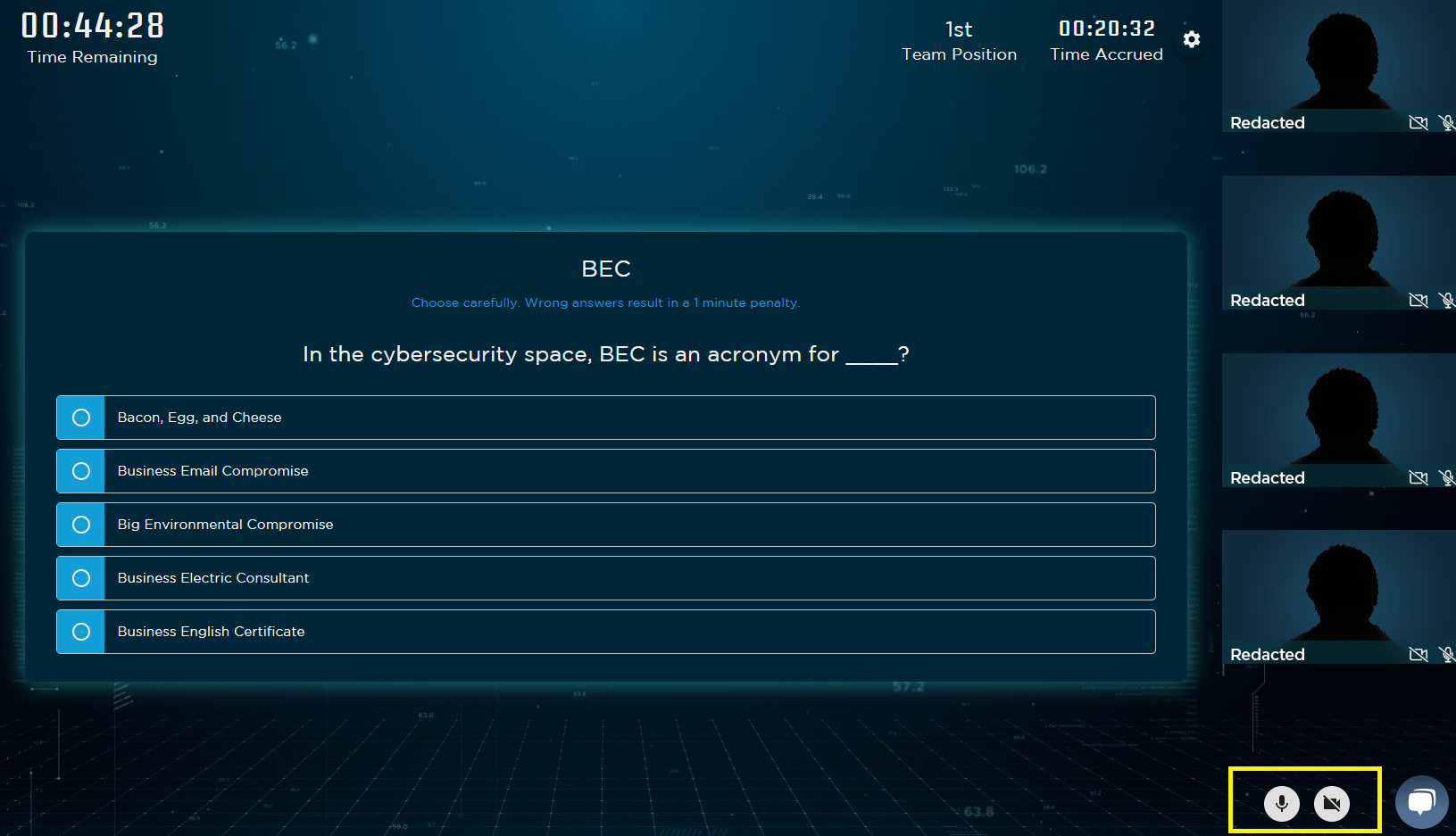
If a video is not playing, the button to unmute yourself is in the bottom right corner, next to the icon to turn on and off your camera.
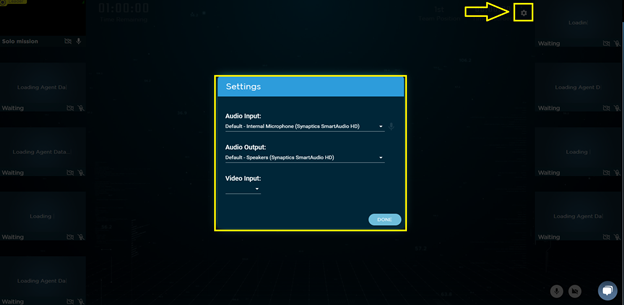
If you still can not unmute yourself, check your sound settings within the game.
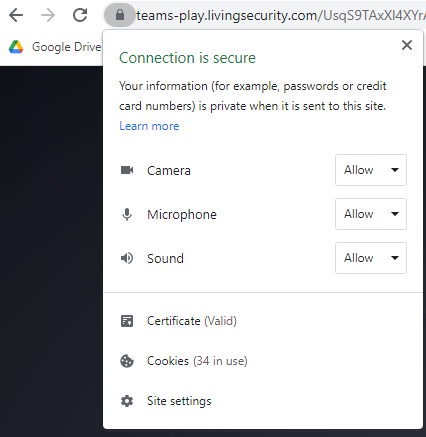
If the game is not recognizing your Audio Input, then check the settings in your browser by clicking on the lock icon before the URL.
You can aso check the microphone setting on your computer.
- Go to Start → Settings → Privacy → Microphone.
- Click Change to enable the microphone access for the device in use.
- Under “Allow apps to access your microphone”, switch the toggle to the right to allow applications to use the microphone.
