
If you've been invited to Teams as a Host or Company Admin, you will receive an email that requires attention. It will be sent from training@app.livingsecurity.com.
Click the hyperlinked "Follow the link" and you will be redirected to Teams to choose a password for your account. It must be at least 8 characters, have at least 1 capital letter, and have at least 1 digit.
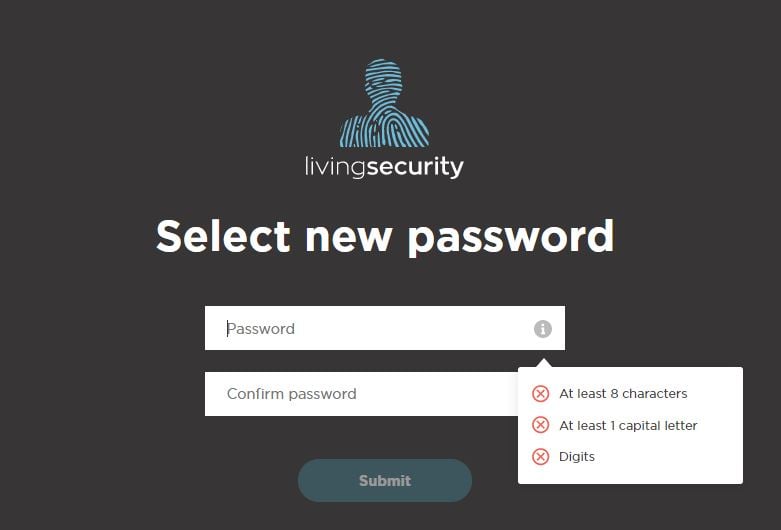
After you have chosen a password that meets the criterion, you will be redirected to the company view page. You will immediately have access to Teams at the level your company admin has assigned.
Happy Escaping!
